
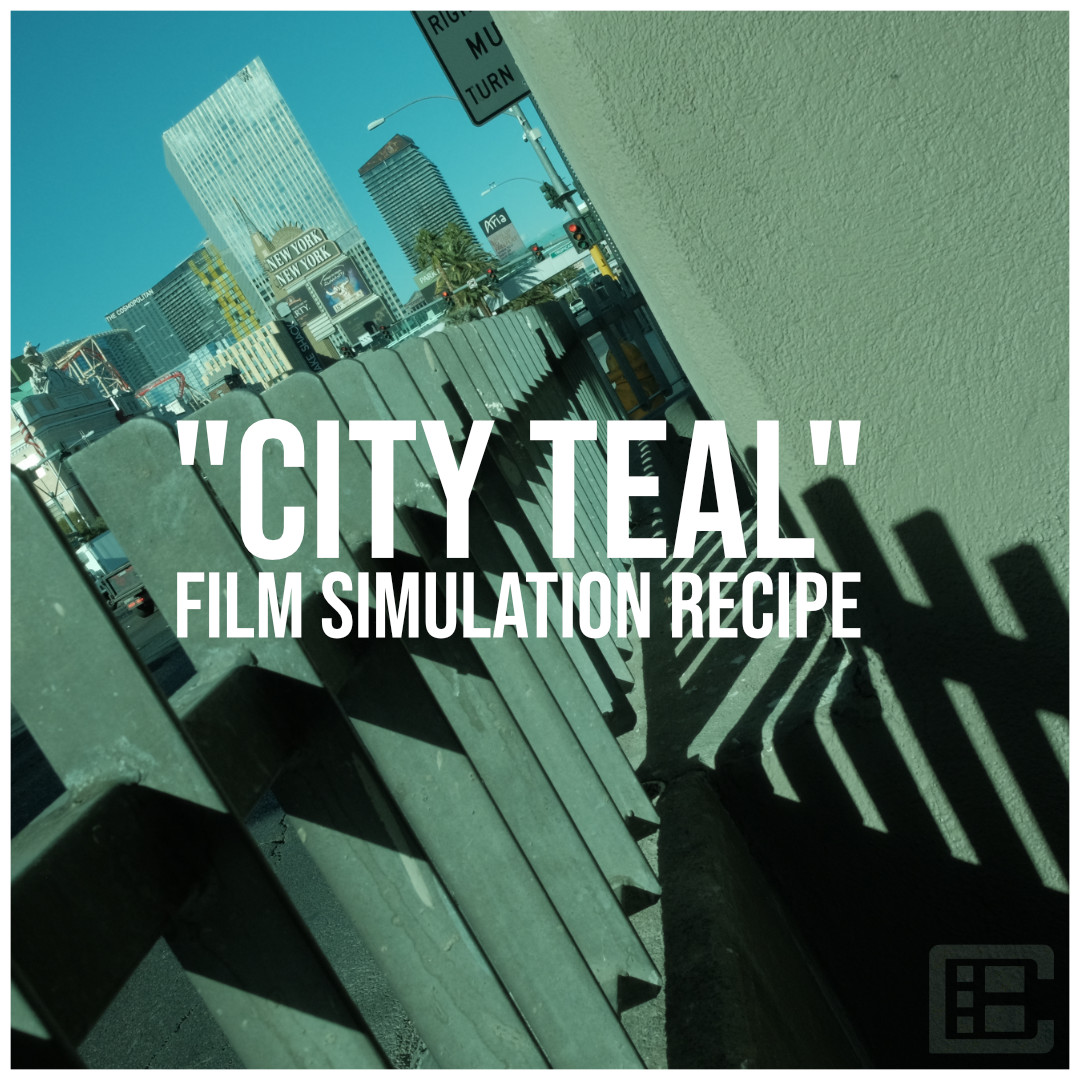
This “CITY TEAL” recipe was a result of just a bit of experimenting.
I don’t think I would have thought specifically about trying a look like this if I had not stumbled upon it.
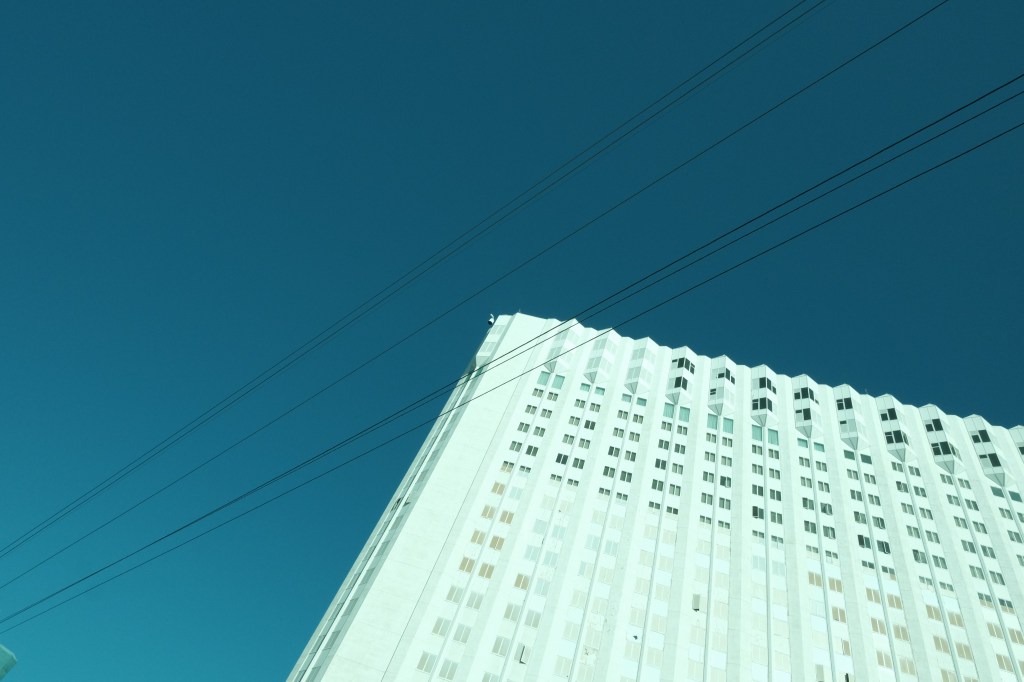
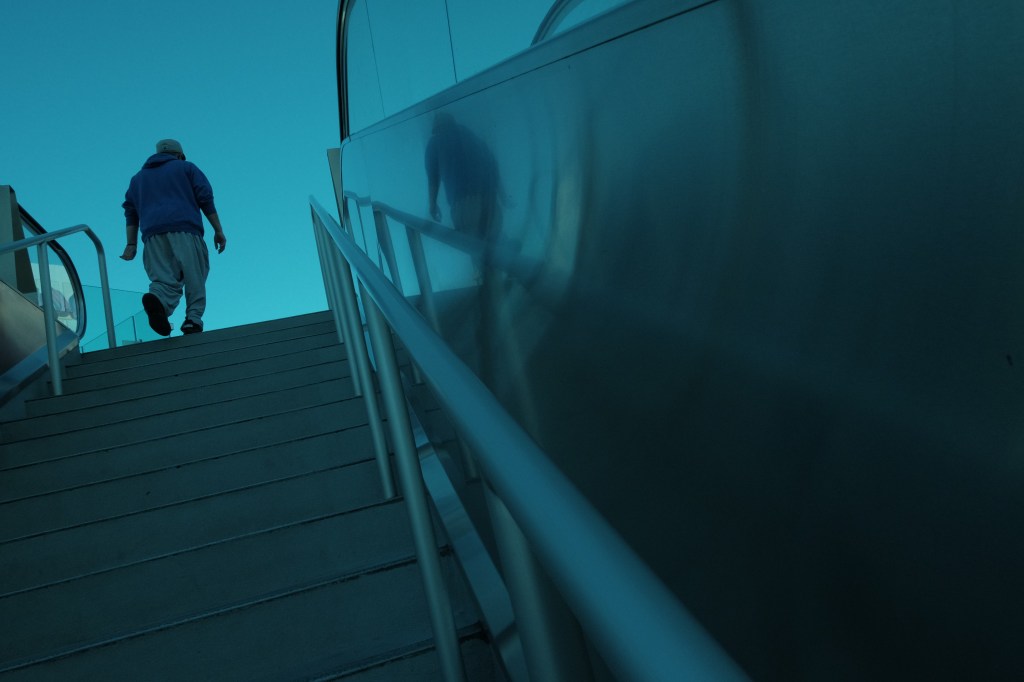
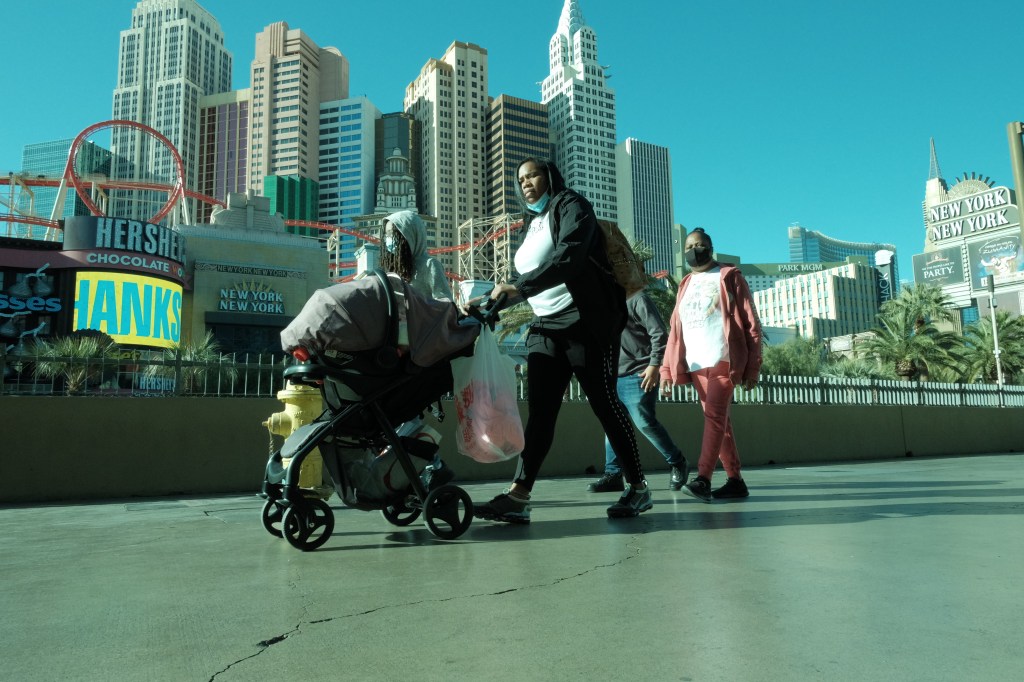
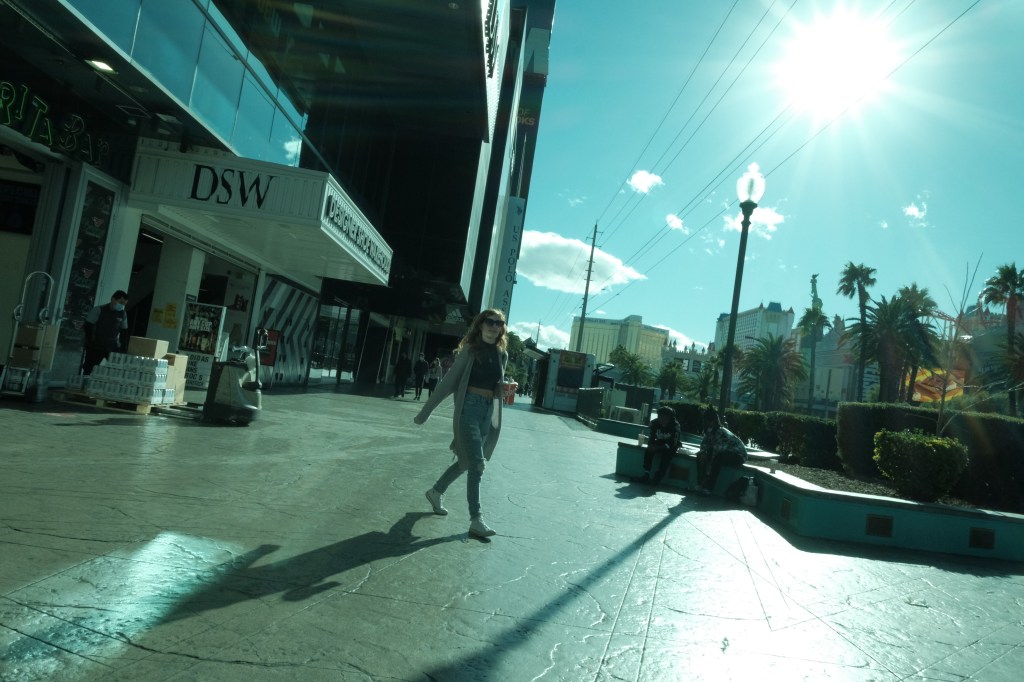
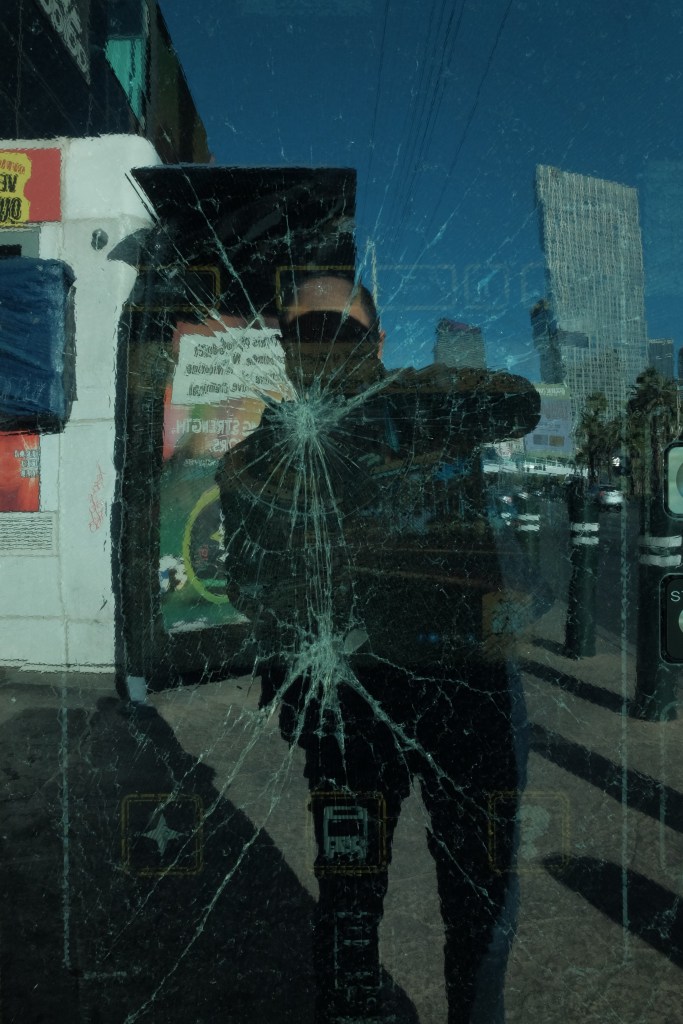
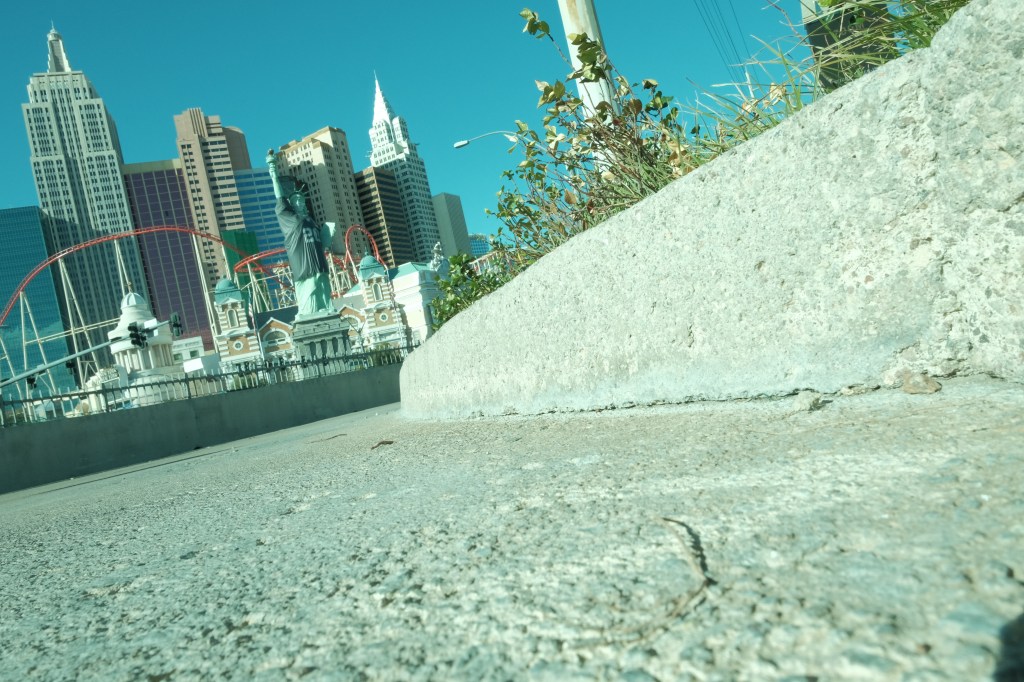
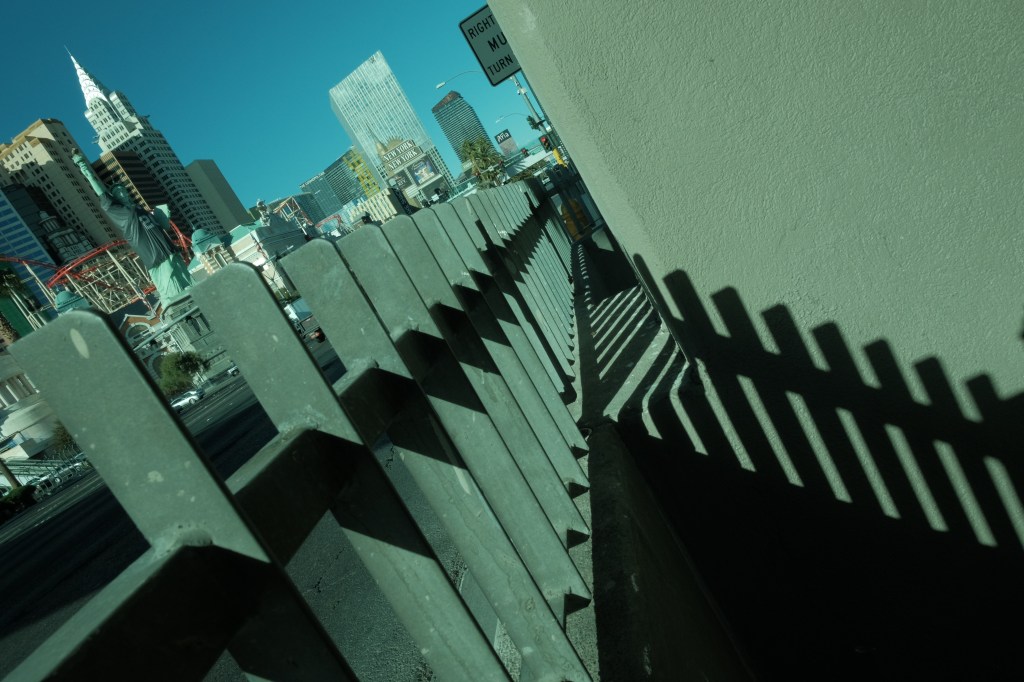
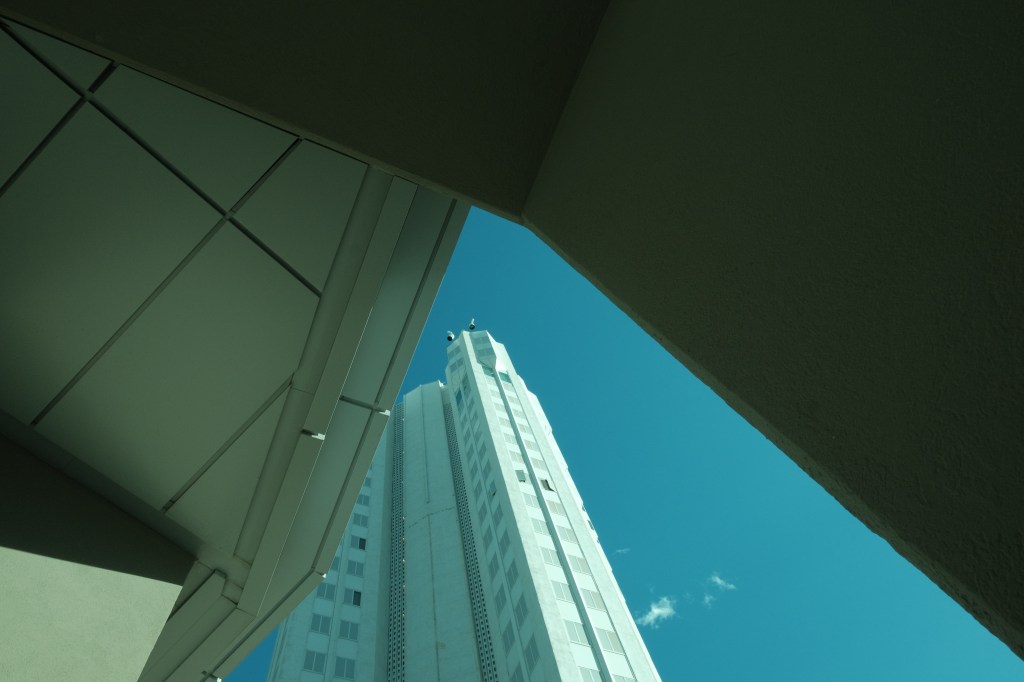
It’s a little bit of a cold look but the green tint helps give blue sky a teal vibe with certain exposures. It also provides a certain flare to the city and street scenes I tend to shoot a lot of. Notice how some metal and concrete elements in the shot grab the green tint nicely.
I think this did great with midday lighting but I want to try this one at night. It may not work but it will be a cool experiment.
I shot all of these samples with my X-T1 and the 16mm 2.8. That lens is really great for tight spaces. A focal length like that is great for zone focusing which comes in handy for street photography. After looking at these pics I noticed I had a few spots on the sensor. I have since cleaned it.
The recipe settings are below this gallery of photo samples.






“CITY TEAL” RECIPE SETTINGS
BASE FILM SIMULATION: CLASSIC CHROME
DYNAMIC RANGE: DR100
WHITE BALANCE: 4300K
WB SHIFT: R: -6, B: -6
COLOR: -2
SHARPNESS: -2
HIGHLIGHT TONE: -1
SHADOW TONE: -2
NOISE REDUCTION: -2
This turned out to be a really cool looking recipe. It will be one I revisit often. Give “CITY TEAL” a try and let me know how it works out for you.
Check out the episode of “Straight Out Of Camera” where I discuss this recipe.
Thank you for visiting my blog!



 Craig Bergonzoni's Blog
Leave a comment